
Elevation Drawings
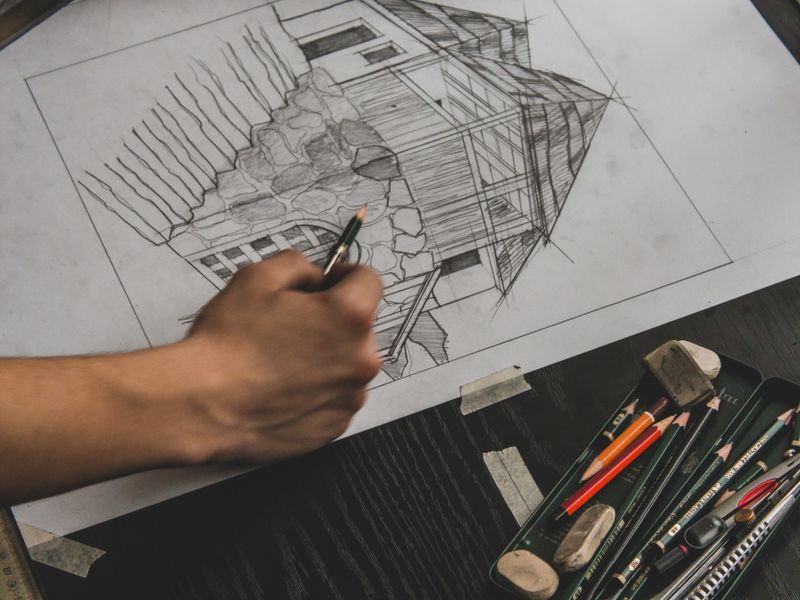
Scaled views of each side, with heights and materials.

3D renderings
Realistic views of what you plan to build, made from your drawings, in the materials and colours you choose. For HOA committees, planning boards, buyers and your own peace of mind.
Example sheet
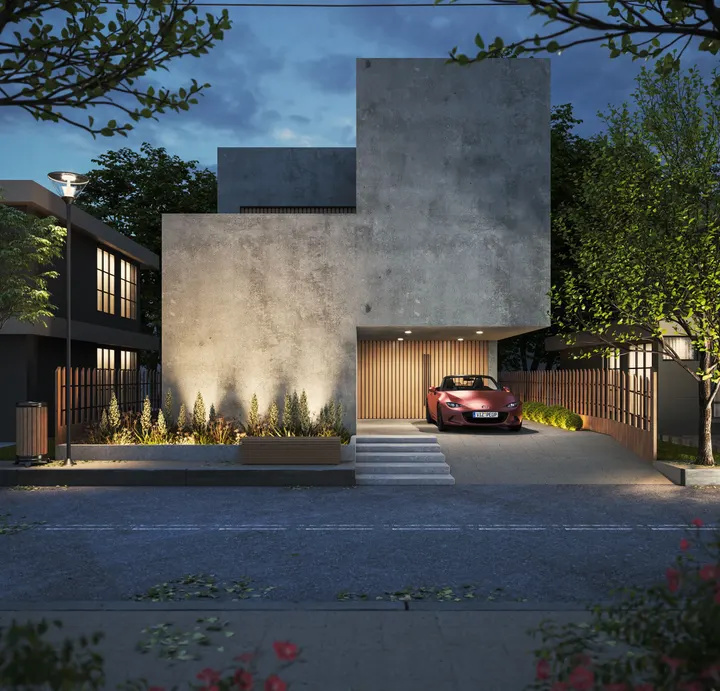
A finished dusk view of a new home. Hover or tap a number to see what each part is and why it matters to the people approving it.
Concrete, wood and glass the way they’re named on the drawings.
Your chosen finishes, so the committee approves what you’ll actually build.
Exterior lights placed where the plans show them.
Planting and paving, to show how the house sits on the lot.
Adjacent buildings, so reviewers can judge scale and fit.
Cars, people or doors, so sizes read correctly.
The view a neighbour has from the street, not a flattering aerial.
Daylight for clarity, dusk to show lighting. Your choice.
Which drawings the model was built from, so everyone knows it matches.
Your views, materials and lighting are chosen with you, so they’ll differ from this example.
Quick answer
A 3D rendering is a realistic image of a building, made from a digital model before it’s built, showing its materials, colours, lighting and surroundings. It isn’t a permit drawing by itself. HOAs, design boards, lenders and buyers use renderings to see what scaled drawings can’t easily show: how the project will actually look.
What’s included
A rendering is only useful if it matches what will be built. The left column comes with every rendering; the right is added when your review or launch calls for it.
By project
Different audiences look for different things. Pick yours to see what we focus on.

Often paired with: elevation drawings with materials labelled.
Used for: design decisions, lenders, pre-sales and listings.
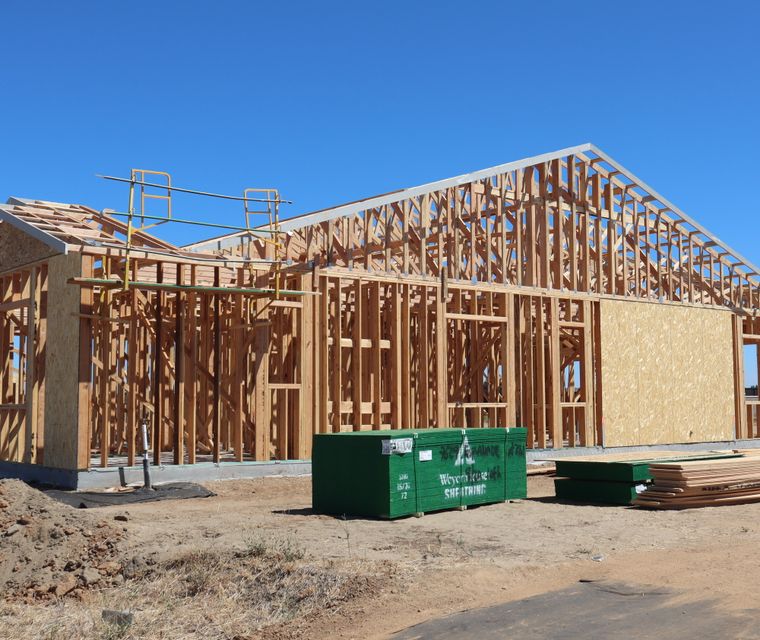
Used for: HOA review and deciding between design options.

Used for: neighbours, HOAs and rental listings.
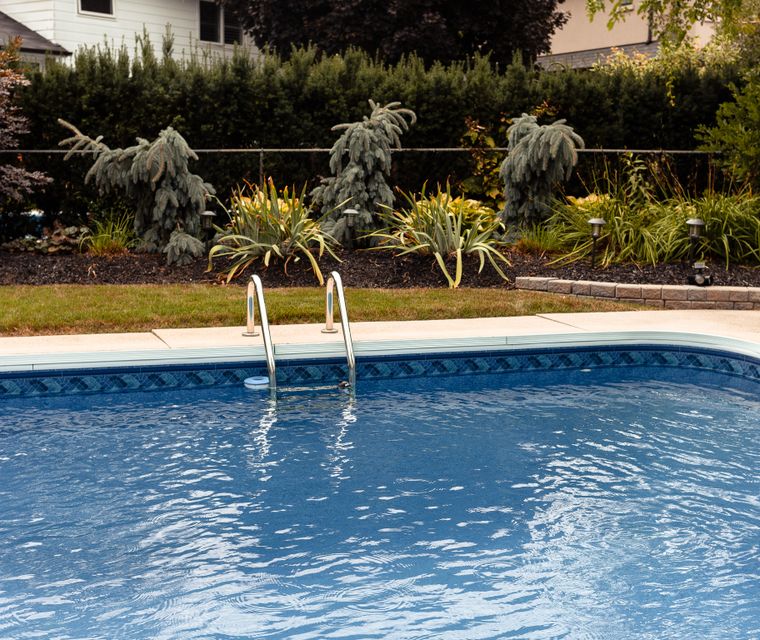
Used for: choosing a design and getting HOA sign-off.
Also: interiors, storefronts, small commercial buildings and before/after makeovers. Ask about yours
Is this the right drawing?
A rendering and an elevation can show the same front view, but only one of them can be measured. Here’s which your review needs.
| Question | 3D rendering | Elevation drawing | Before / after view | Edited photo |
|---|---|---|---|---|
| What it shows | A realistic view in colour | One side, flat and to scale | Your house today next to the rendering | A photo painted over |
| Measurable | No | Yes | No | No |
| Built from your plans | Yes | Yes | Yes | No |
| Accepted for permits | As supporting material | Yes, as a permit drawing | As supporting material | Rarely |
| Typical use | HOA, boards, buyers | Permits and HOA | Exterior changes, HOA | Quick ideas |
| We make it | Yes | Yes | Yes | No. We build a real model |
Not sure? Send your HOA’s rules or the board’s checklist with your quote request. We’ll tell you what they ask for before you pay anything.
Design review
A rendering that doesn’t match the plans can sink an approval. We check every image against this list.
“Does it match the drawings?”
Model built from your plans and elevations, with the source drawings named.
“Are those the real materials?”
Every material and colour taken from your application, not from a stock library look.
“How does it fit the street?”
Neighbouring houses and the street shown, so scale and fit can be judged.
“Is the view honest?”
Camera at normal eye height from the street, without a wide-angle lens that shrinks the building.
“How tall is it, really?”
Scale cues like doors, cars and people placed at true size.
“What changes from today?”
A before view of the existing house, when the project is a change.
Committee asked for changes? Send their notes and we update the model and images to match.
Elevation DrawingsWhat to send us
Haven’t picked materials yet? We can render two or three options side by side to help you decide.
How it works
Use the quote form or WhatsApp. Two minutes.
We confirm views, lighting and extras, and reply with the price and turnaround. Nothing starts until you approve.
You see a draft view first, ask for changes, then get the final high-res images.
Deliverables & pricing
Renderings are quoted per project because models and views differ. Here’s exactly what you get, and what moves the price.
Free quote. You see the price before we start.
Where we work
Renderings don’t depend on local codes, so we make them for projects anywhere in the U.S., and match them to the drawings your county approves.
Need permit drawings too? Renderings support an application but don’t replace scaled drawings. We can draw both from the same model.
For permits
Building departments review scaled drawings, not pictures. If your permit needs elevations, we draw them from the same model so the two always match.
Order both together and you get one set of sizes and materials across every sheet and image.
Elevation DrawingsOften ordered together
Most renderings go in alongside scaled drawings. Order them together and they’re made from the same model.
Scaled views of each side, with heights and materials.
Existing and proposed layouts the model is built from.
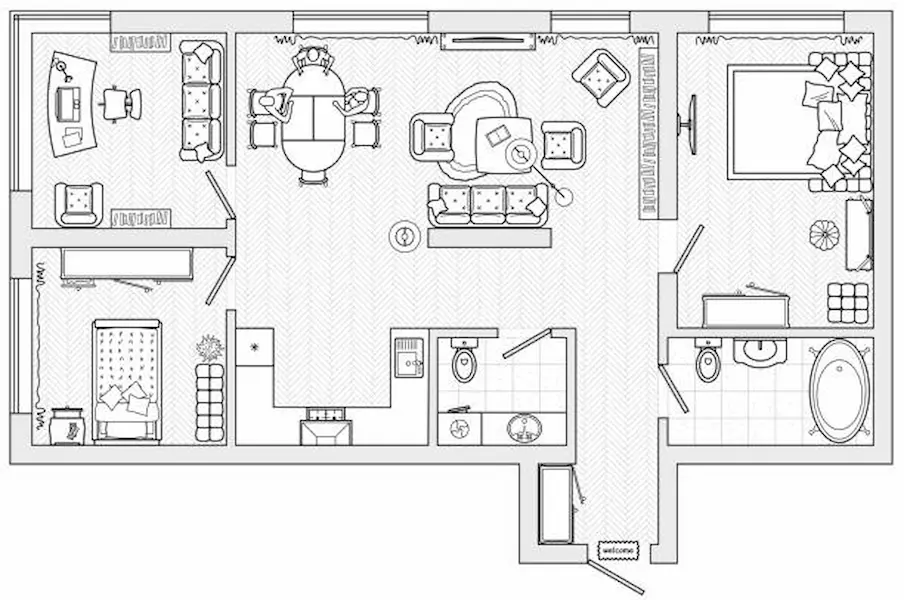
Where the building sits on the lot, with setbacks.
3D rendering FAQ
Short answers to what people ask before ordering. Ask anything else in your quote request.
Get Price QuoteNot on their own. Building departments review scaled drawings. Renderings are often accepted, or asked for, as supporting material, and HOAs and design boards frequently request them.
Yes, that’s the most accurate way. Send your floor plans and elevations and we build the model to their sizes.
We can work from a sketch with the main sizes and a few reference photos. The rendering will be as accurate as the information behind it.
Yes. Send product names, paint codes or photos. If you’re undecided, we can render a few options side by side.
Your quote states the rounds of changes included. You see a draft before the final images.
Large enough to print on a presentation board and sharp on screens. If you need a specific size, tell us in your quote request.
Yes. Dusk views show exterior lighting and windows lit from inside. Many people order a day and a dusk version of the main view.
Yes. From photos of your house today, we set up the same view of the rendering so the change is easy to see.