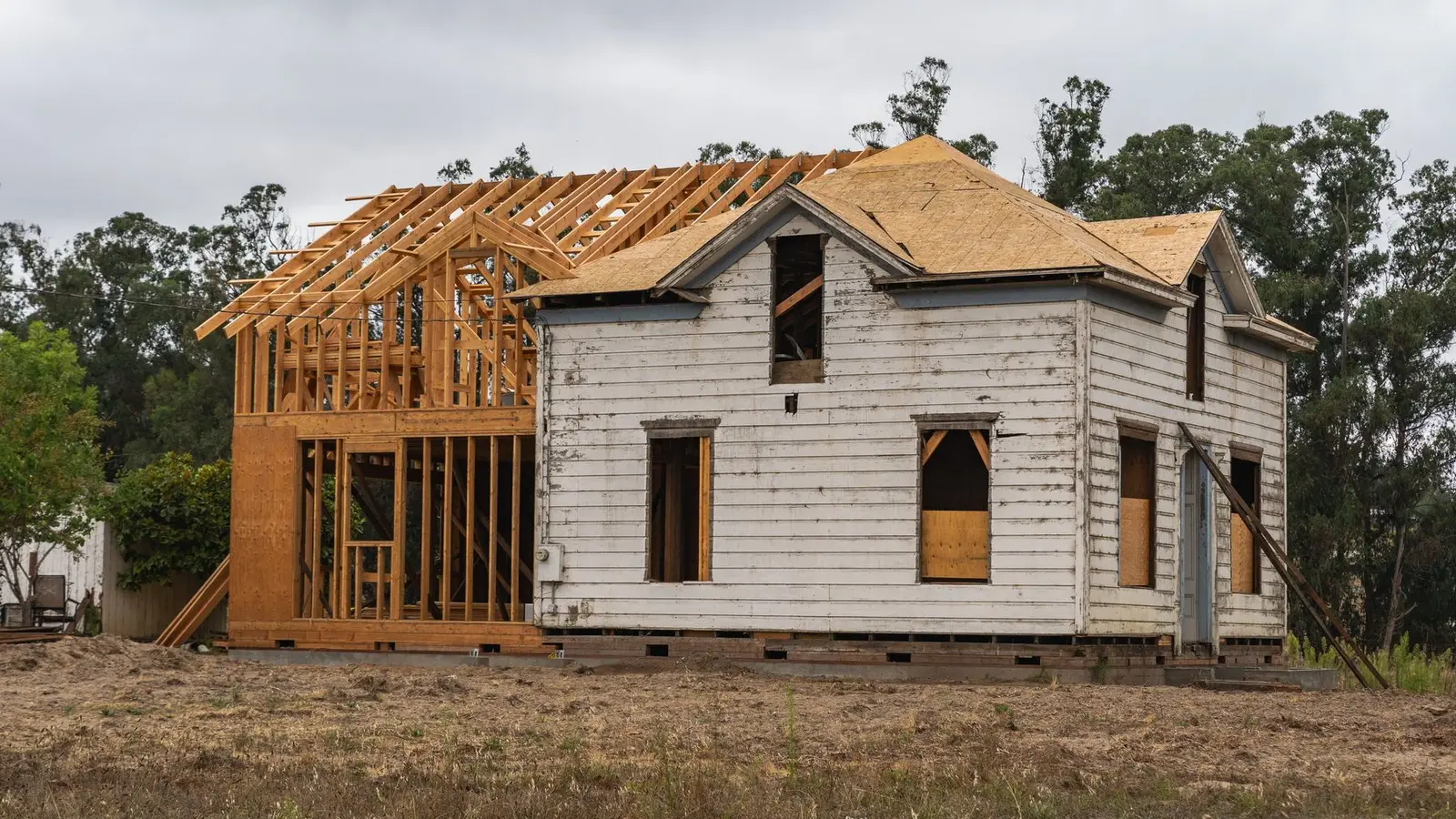

A before-and-after rendering pairs a photograph of a property as it is today with a rendering of the proposed project from exactly the same viewpoint. The viewer sees the real house, then the same scene with the addition, new porch, colour change or ADU in place. Because it starts from reality, it is one of the most persuasive ways to explain a project to an HOA committee, design board, neighbour or buyer.
Quick answer: A before-and-after rendering combines a photo of the existing property with a rendering of the proposed change, matched to the same camera position, lens and lighting. It is used for additions, exterior remodels, ADUs and landscaping, especially for HOA and neighbour approvals. Accurate results need a good photo, the camera position, and dimensions or drawings of the house.
How a before-and-after rendering is made
- Photograph: a photo of the existing house from the chosen viewpoint.
- Model: a 3D model of the existing house and the proposed work, from drawings and measurements.
- Camera match: the virtual camera is aligned to the photo so the model sits exactly on the house in the image.
- Render: the proposed work is rendered with materials and lighting matching the photo.
- Composite: the rendered elements are blended into the photo, with shadows, reflections and landscaping adjusted.
- Pair: the original photo and the result are presented side by side or as a slider.
Our pillar architectural rendering guide explains the modelling and rendering steps in more detail.
When a before-and-after rendering helps most
| Project | What the pair shows |
|---|---|
| Home addition | Scale and roofline next to the existing house |
| Second storey | Height relative to neighbours |
| New porch or sunroom | How it changes the façade |
| Exterior colour or siding | The new palette on the real house |
| ADU or detached garage | Visibility from the street or neighbour |
| Fence or landscaping | Height and screening in context |
See our home addition permit guide and second-storey addition permits for the approval side.
Why it persuades
People trust photos. A before-and-after pair shows that the proposal has been placed accurately on the real property, with real neighbours and trees, rather than on an idealised site. For HOA committees, it answers “what will this look like from the street?” directly. For neighbours, it replaces worst-case imagining with a clear picture. For buyers, it shows the potential of a property. See renderings for HOA approval.
Taking the “before” photo
- Stand where people will actually see the project: the street, sidewalk or a neighbour’s yard.
- Hold the camera at eye level, about 5 to 5½ feet above the ground.
- Use the phone’s standard lens, not ultra-wide, to avoid distortion.
- Shoot on an overcast day or with the sun behind you, avoiding harsh shadows.
- Keep vertical lines vertical; don’t tilt the camera up sharply.
- Take several shots, and note where you stood on a site plan.
- Move cars and bins out of the frame if possible.
Information for an accurate match
The renderer needs dimensions to place the model correctly: the house footprint, heights of eaves and ridge, window positions, and the camera position measured from the house. Floor plans and elevations are ideal; measurements and photos can work for simpler projects. See what to send for a rendering and how to measure a house.
Honesty in before-and-after images
Because these images are persuasive, accuracy matters. The proposed work should be the right size and position, materials should match the actual selections, and new landscaping should be shown at a realistic size. Don’t remove existing features, such as power lines or a neighbour’s garage, that will still be there. An honest pair builds trust with reviewers and avoids disputes later.
Matching lighting and season
The rendered work must look like it belongs in the photo. That means matching the direction and softness of sunlight, the colour of the sky, and the season of the planting. An overcast “before” photo is easiest to match, because shadows are soft. If the photo was taken in winter, the trees in the “after” image should also be bare, or the comparison looks contrived. Renderers adjust shadows and reflections so the new work sits naturally in the scene.
Presentation formats
- Side by side: simple and printable.
- Stacked: good for presentation boards.
- Slider: an interactive image for online sharing.
- Multiple viewpoints: street and rear views for larger projects.
Before-and-after for interiors
The same technique works inside: a photo of the existing kitchen with the new layout and finishes rendered in place. It helps owners commit to finishes and helps sellers show potential. Interiors need accurate room dimensions and the camera position. See exterior vs interior rendering.
Common problems
- Wide-angle “before” photos that distort proportions.
- Missing dimensions, so the new work is sized by eye.
- Lighting in the rendering that doesn’t match the photo.
- Landscaping that hides the new work unrealistically.
- Photo taken from a place no one actually sees the house from.
Before-and-after renderings for builders
Remodelling contractors and builders use before-and-after images to win projects, explain designs to clients and support HOA submissions. A consistent style across projects builds a recognisable portfolio. Our contractor services include rendering support.
Getting a before-and-after rendering
Our 3D renderings service can produce before-and-after pairs from your photos and drawings. If you don’t have drawings, we can prepare elevations from measurements, which also support your permit.
Frequently asked questions
What is a before-and-after rendering?
A photo of the existing property paired with a rendering of the proposed project from the same viewpoint.
Can I take the “before” photo myself?
Yes. Use a standard lens at eye level from where people see the house, and note where you stood.
Is a before-and-after rendering accurate?
It is accurate when based on real dimensions and a matched camera position.
Can a before-and-after rendering show landscaping changes?
Yes. New planting, paving, fences and lighting can be added, shown at realistic sizes.
Do HOAs like before-and-after renderings?
Many find them the clearest way to judge an exterior change.
Can it be used for a building permit?
Only as supporting material; permits need scaled drawings.